
Creating a home office that feels both cozy and productive is key to maintaining focus and motivation, especially as remote work becomes more common. With the right setup, you can turn any corner of your home into a pleasant workspace that encourages creativity and efficiency. Below, we explore practical ideas and tips to design a home office space that meets your professional needs while making you feel comfortable.
Why a Cozy and Productive Home Office Matters
A well-designed home office can improve your mood, reduce distractions, and help you separate work life from personal life. Comfort reduces stress, while organization supports productivity. Combining these elements creates a balance that helps you get things done without feeling overwhelmed.
Choosing the Right Location
Consider Natural Light
Placing your desk near a window is ideal for natural light, which can improve focus and reduce eye strain. If natural light is limited, invest in a good quality desk lamp with adjustable brightness.
Minimize Noise and Distractions
Pick a spot away from household noise like televisions or kitchen areas. Noise-canceling headphones can also help if you can’t avoid noisy environments.
Essential Furniture for Comfort and Functionality
Ergonomic Chair and Desk
An adjustable chair that supports your back and a desk at the right height reduce physical strain. Look for chairs with lumbar support, and make sure your desk allows enough space for your equipment.
Adequate Storage
Shelves, drawers, or filing cabinets help keep clutter off your desk, making your workspace tidy. This can reduce stress and help you find things quickly.
Personal Touches
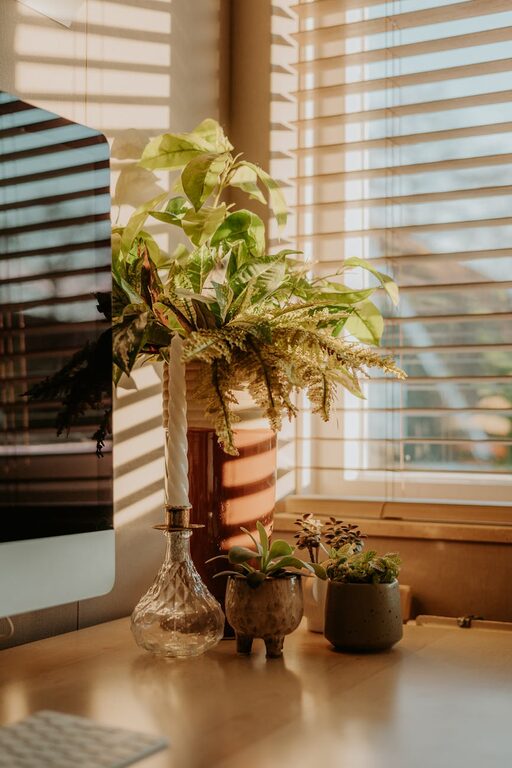
Add a cozy rug, cushions, or a small plant. These elements add warmth and make the space inviting without distracting from work.
Organizing Your Workspace
Declutter Regularly
Keep only what you need on your desk. Regularly sort papers and put away supplies. Use trays or boxes to group similar items.
Cable Management
Use clips or sleeves to organize cords and cables. A neat workspace reduces distractions and hazard risks.
Digital Organization
Keep your computer desktop clean and use folders or apps to manage files efficiently. This complements your physical organization.
Lighting Tips
Layered Lighting
Combine ambient light with task lighting. Ambient lighting provides overall brightness, while task lights focus on your work area.
Avoid Glare
Position your screen and light sources to minimize glare, which can cause headaches and reduce productivity.
Creating a Productive Atmosphere
Set a Routine
Use your home office consistently during working hours. This mental separation helps signal when it’s time to focus.
Use Inspiring Decor
Choose art, colors, or motivational quotes that inspire you. Avoid overly busy decorations that may distract.
Incorporate Plants
Indoor plants can improve air quality and create a calming environment, which supports concentration.
Technology and Connectivity
Reliable Internet
A strong internet connection is vital for smooth virtual meetings and online research.
Quality Equipment
Use comfortable keyboards, mice, and headphones that suit your work. Investing in good technology reduces frustration.
Taking Breaks and Movement
Include Space to Stretch
Allow room beside your desk for a quick stretch or standing work if possible. Frequent movement increases energy.
Natural Breaks
Look away from screens regularly and consider stepping outside briefly. This refreshes your mind and eyes.
Final Thoughts
Designing a home office that balances coziness with productivity involves thoughtful placement, comfortable furniture, good lighting, and an organized layout. Personal touches and routines make the space truly your own. With these tips, your home office can become a space where work feels natural and enjoyable.
Remember, the goal is to create an environment that supports your work habits and wellbeing. Tailor these suggestions to fit your space and preferences, and you’ll reap the benefits every day.